Structural Framing
Structural Framing brings aluminium extrusion, weldment and timber framing into one Fusion 360 workflow. Create beams directly from sketch lines or model edges, assign the manufacturing details, and keep the information needed for the cut list in the same model.
What makes Structural Framing useful
Editability, Fusion-native data and ready-to-use engineering profiles.
Ready-to-use profile libraries
Spend your time designing the frame, not building the profile library. Pro modules add curated engineering profiles, starting with a manufacturer-specific Bosch Rexroth library covering profiles from MGE 15.
Edit and refresh — do not rebuild
The improved Core engine is designed to keep frames editable. Change a profile, resize the design, then edit and refresh it instead of rebuilding the structure from scratch.
Built around Fusion 360 data
Keep framing components inside the Fusion 360 design and take full advantage of its cloud capabilities, including part numbering and BOM workflows.
Built for speed. In our comparative testing, Structural Framing completed common framing workflows faster than the other add-ins tested, with the edit-and-refresh workflow providing an additional advantage when a design changes.
Free for personal use
No account, no licence key and no trial period.
The Free tier is intended for personal use and does not expire. It includes generic and V-Slot aluminium profiles, a generic weldment set and a generic timber set, each within the free project limits — enough to design useful smaller projects without signing up for anything.
Pro modules are licensed separately. They increase the available project capacity and add expanded or manufacturer-specific profile libraries as those modules become available. Licence activation is handled inside the add-in from Settings.
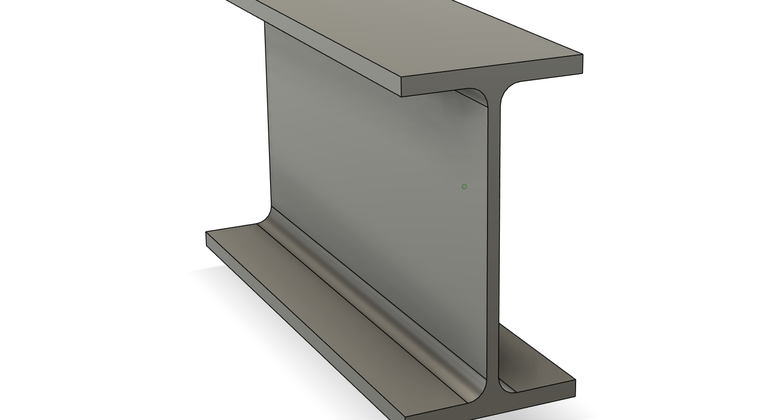
The free weldment set is a small starter selection — six generic tube sizes and one steel I-beam (IPE 80) — not the structural steel catalogues. The EN, AISC and other steel catalogues are in the paid Weldment module.
One add-in. Three framing modules.
Use the same framing workflow across aluminium, weldment and timber. See pricing.
Aluminium Extrusion
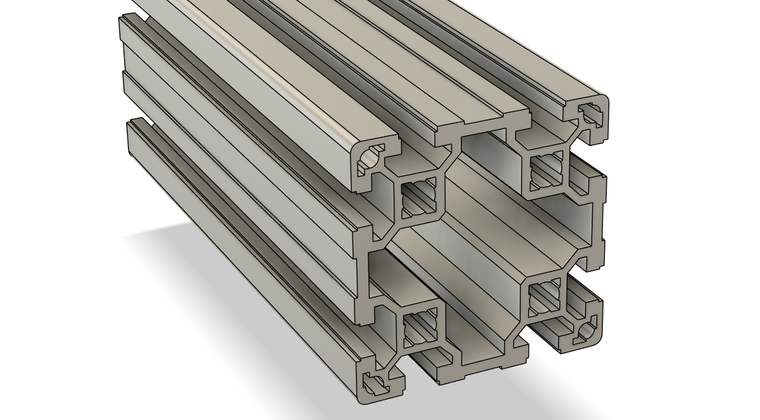
Generic B/I profiles and V-Slot are available for personal projects. Aluminium Extrusion Pro adds a manufacturer-specific Bosch Rexroth library covering profiles from MGE 15, including supported connection-hole geometry, finishes and part numbers.
Weldment
Use the included generic weldment profiles for personal projects. An expanded Pro library of standard steel and aluminium sections is planned, including EN and AISC sections.
Wood Framing
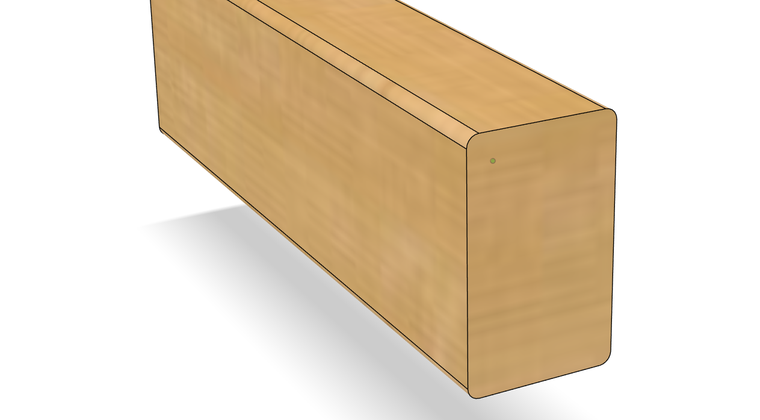
Use the included timber profiles for personal projects such as benches, jigs and small structures. An expanded Pro library of standard timber sizes is planned, including European timber and Planed All Round (PAR) timber in metric and imperial sizes.
How it works
From frame geometry to joints, manufacturing details and the final cut list.
Design the frame
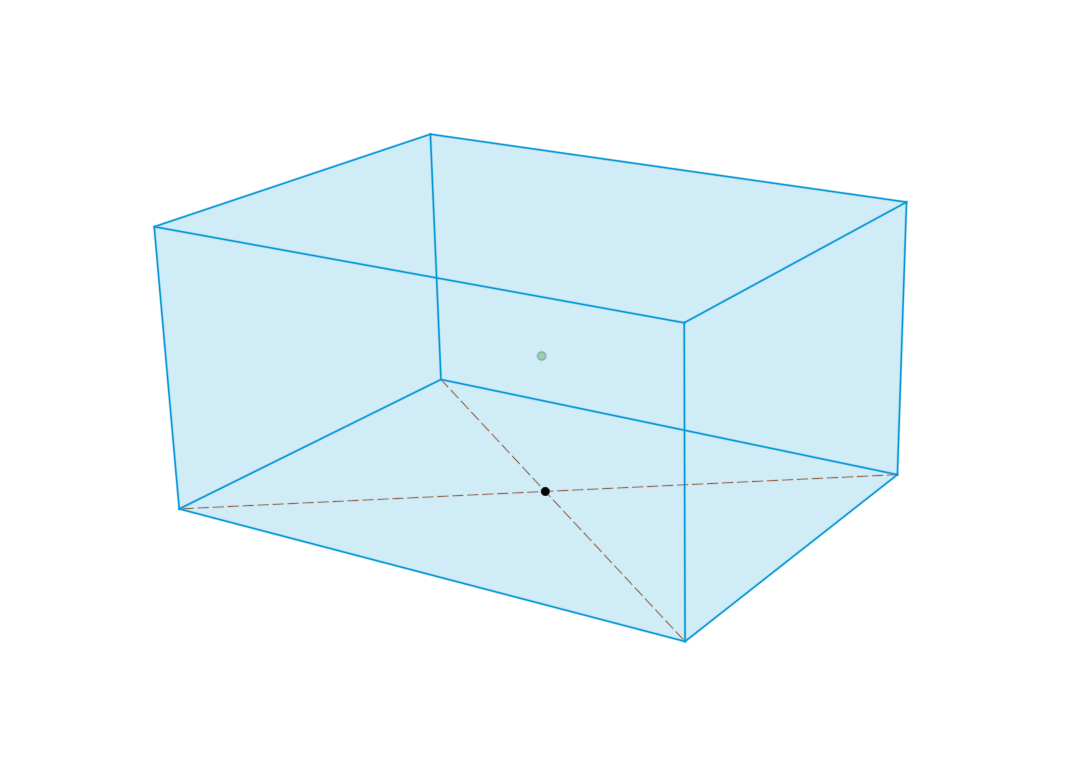
Use sketch lines or model edges to define the frame geometry you want to build.
Choose the profile
Select a profile from the available library. Structural Framing creates and orients the beam components along the geometry you selected.
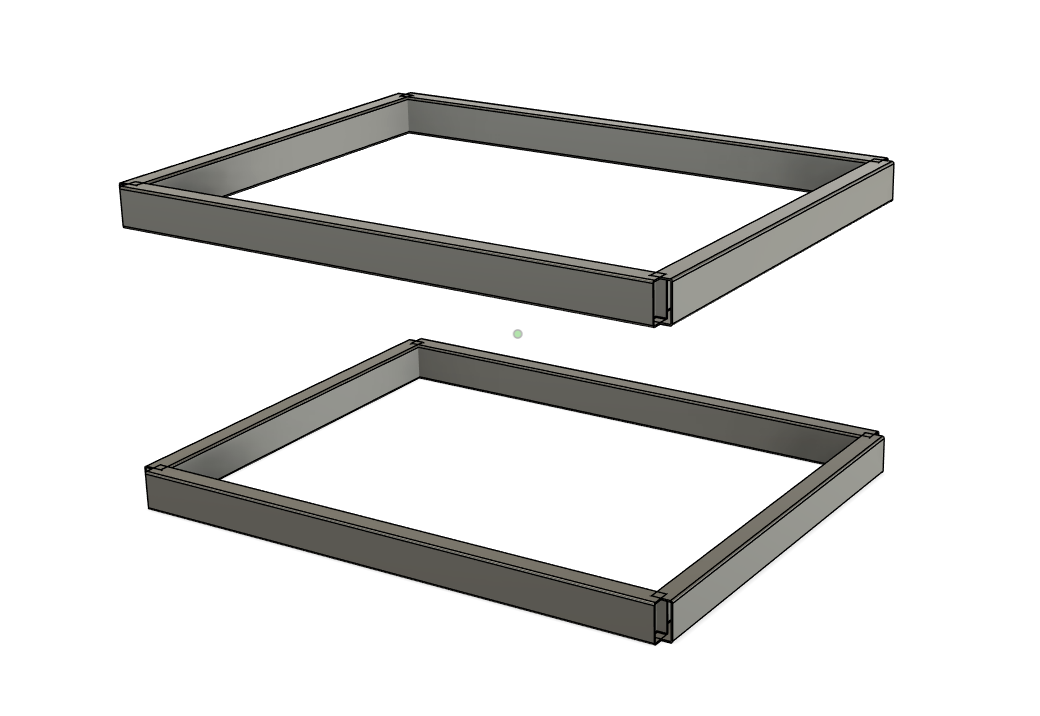
Assign the manufacturing details
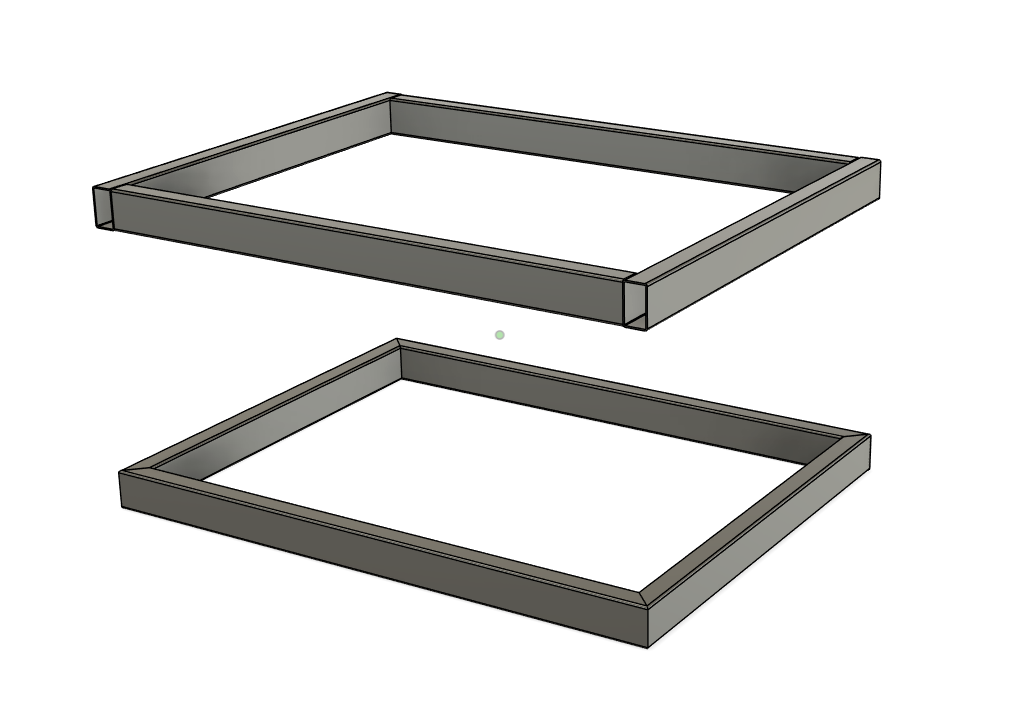
Resolve the joints and assign the machining, connectors and weld beads needed for the design, while keeping the frame organised as Fusion 360 components.
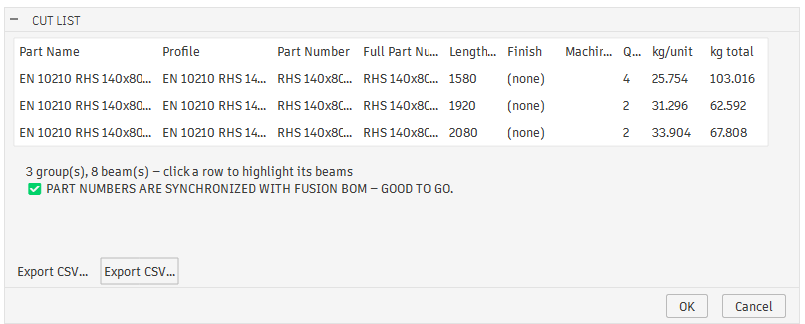
Generate the cut list
Export lengths, quantities and the available profile information. Manufacturer part numbers, finishes and other purchasing data are included where the selected profile library supports them.
Honest limits
What this add-in does not do today.
- Windows only. The add-in runs on 64-bit Windows. There is no macOS build.
- The installer is not currently code-signed. Windows and some browsers may therefore treat it as an unfamiliar application and display security warnings. The download page explains what you may see, including the limitation on systems where Smart App Control is enabled.
- It installs for the current user and needs no administrator rights. Close Fusion 360 before installing.